Most unhappy smart home customers were let down by the shopping, not the technology. They bought a clever gadget here, a bargain bundle there, and ended up with four apps, three hubs, two ecosystems and a light switch that wants a firmware update before bed. It doesn’t have to go that way. The order you buy things in matters more than the things themselves, and one early decision saves most of the pain.
Step 1: pick your ecosystem before you buy anything
Decide where your smart home is going to live. The main choices are Apple Home, Google Home, Amazon Alexa and Samsung SmartThings, and the single biggest factor is which phones your household already uses.
- All-iPhone home: Apple Home is the natural fit.
- Mixed or Android home: Amazon Alexa is the easiest to start with, Google Home suits Android-heavy homes, and SmartThings is the best all-rounder if you’re mixing lots of brands.
Then follow the one shopping rule that really matters: every device you buy has to work with your chosen ecosystem.
Step 2: understand Matter and Thread (briefly)
Two words on every box worth knowing:
- Matter is a universal standard backed by Apple, Google, Amazon and Samsung. A Matter-certified device works with any of those platforms, which is what finally killed most of the old compatibility misery. Buy Matter kit and you can switch ecosystems later without replacing everything.
- Thread is a low-power mesh network that Matter devices can use. It’s more efficient than Wi-Fi for small battery devices like sensors and buttons, and it doesn’t clog your router. Many hubs and newer speakers act as the Thread border router that makes it work.
Step 3: start with lighting
Smart lighting is cheap to try, it changes daily life straight away, and it teaches you how scenes and automations work. There are two routes:
- Smart bulbs screw in and pair, and that’s it. Perfect for lamps and for renters. Start with the two or three lamps you switch on every evening.
- Smart switches and dimmers replace the wall switch, so the whole circuit becomes smart and the wall control still works normally. Better for downlights and whole rooms, and it needs an electrician for an hour.
Set up one evening scene (“Wind down”: lamps at 40%, warm) and one “All off” for leaving the house. Those two scenes convert more sceptics than any advert. Pair them with tunable-white bulbs and our colour temperature guide stops being theoretical.
Step 4: heating, then the front door, then the fun stuff
Once lighting works, add in this order:
- A smart thermostat is the item most likely to pay for itself, with schedules that match your life and geofencing so the heating isn’t running for an empty house. If one room is always cold, smart radiator valves are the fix nobody mentions.
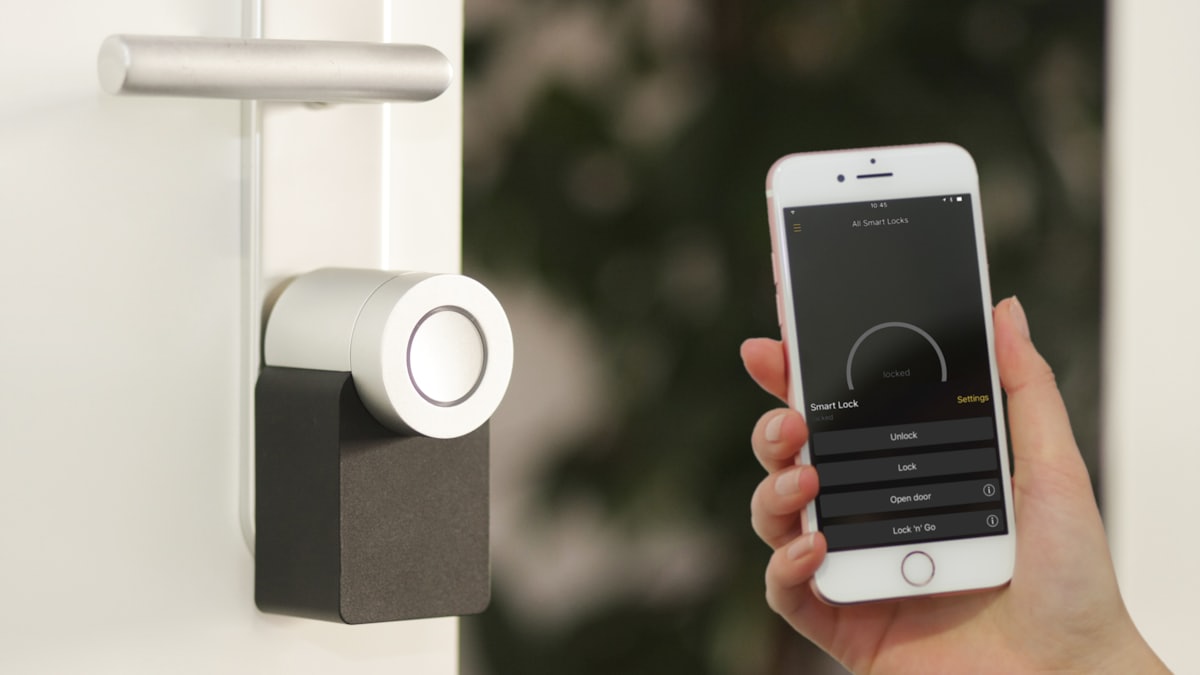
- A video doorbell or smart lock earns its keep on ordinary days, with parcels, dog walkers and forgotten keys. Check whether the doorbell’s best features need a monthly subscription, because some do and some don’t.
- Smart plugs, sensors and a leak detector. Motion plus a hallway light is the best automation in any home. A leak sensor under the washing machine costs less than a takeaway and can save a kitchen.
Buy slowly, and future-proof cheaply
Don’t add the next device until the last one has worked reliably for a week. Adding too much too fast is what makes a smart home feel fragile. A sensible first kit, a hub or speaker plus a couple of plugs and bulbs, lands somewhere around £100 to £165, and budget Matter ranges have made good kit genuinely affordable. Because Matter lets you move between Alexa, Google Home and Apple Home later, you’re never locked in.
What to skip, at least at first
- Smart kitchen appliances. An oven you can preheat from the bus is fun exactly twice.
- Whole-home audio everywhere. Start with one room, then add.
- Bargains from a brand you’ve never heard of at a price that seems impossible. That price is usually paid for by your data, a cloud service that might vanish, or both.
Come and press things
Everything above is running live on the smart home wall at every Luxwell showroom, from scenes and sensors to locks and thermostats. We actively encourage you to break the demos, because that’s how you find out what’s robust. Plan a visit from the contact page.